
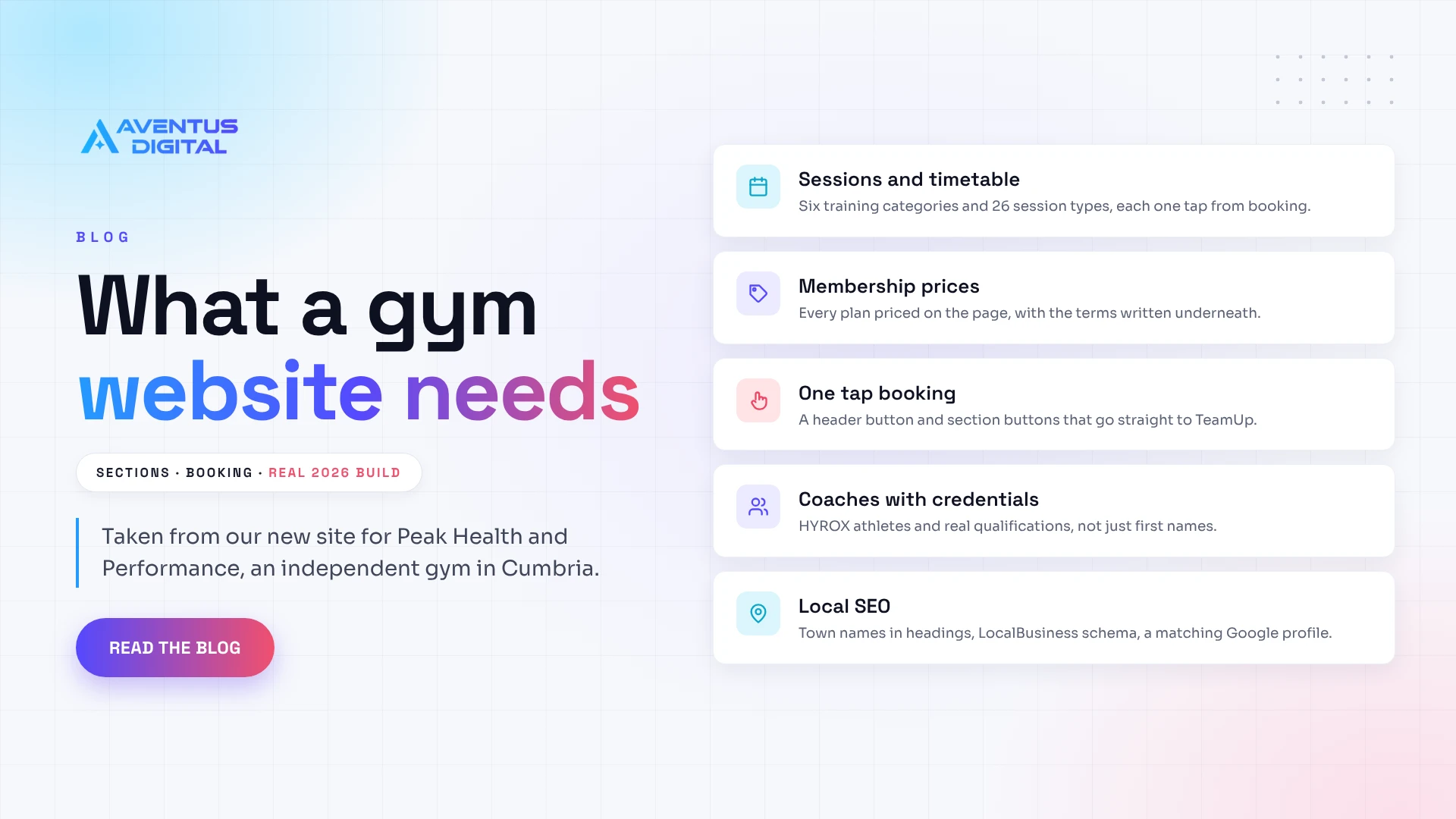
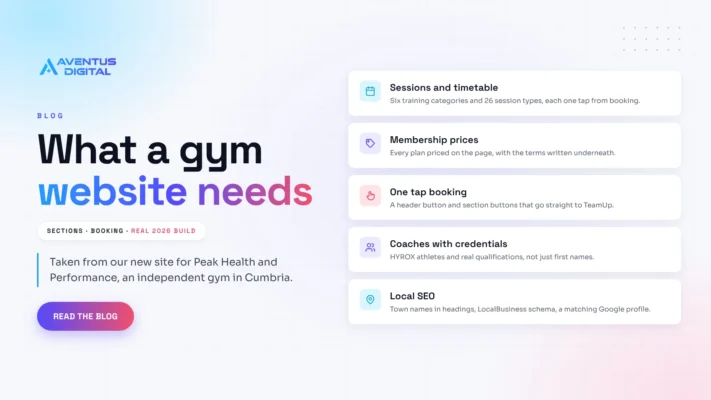
Gym website guide: what yours needs, from a real 2026 build
A good gym website does four jobs: it shows your sessions, publishes your membership prices, lets people book from their phone in under a minute, and proves you are worth the drive with real coaches, reviews and photos of your floor. For an independent UK gym, budget £499 to £1,500 and two to four weeks.
We have just built one. Peak Health and Performance is an independent, coach-led gym in Cleator, West Cumbria. When Lewis and Helen, the co-founders, came to us in September, the gym had no site at all, only social media, and was eight weeks away from moving into a new unit at The Flax Works. They wanted session types, memberships linked to their TeamUp booking system, the coaches, testimonials and a proper FAQ that covers parking. Everything below comes from that build.
Your gym website at a glance
- Cost: £499 for up to 10 pages on our Standard plan. Bigger sites with a page per session type usually land between that and our Flagship plan, from £1,499
- Timeline: Peak’s build took 14 days once the sitemap and content were agreed, followed by 14 days of free support
- Platform: WordPress with the Flatsome theme, with the licence bought in the gym’s own name so they own the site outright
- Booking: link to the booking software you already pay for (Peak uses TeamUp) rather than rebuilding it inside the site
- First step: a free homepage mockup within 72 hours, before you pay anything
- Biggest risk: hiding prices or burying the book button, which turns a ready to join visitor into a message you answer at 10pm
Aventus Digital is a team of top rated freelancers with 7 plus years behind us: 700 plus websites across 40 plus countries, 650 plus five star reviews and Top Rated status on Fiverr. Gyms, studios and personal trainers are a regular part of that work, and you can see more of it in our gym website design portfolio. SEO, GEO and AEO (being found in Google, in AI Overviews and in assistants like ChatGPT) are built in from day one.
What should a gym website include?
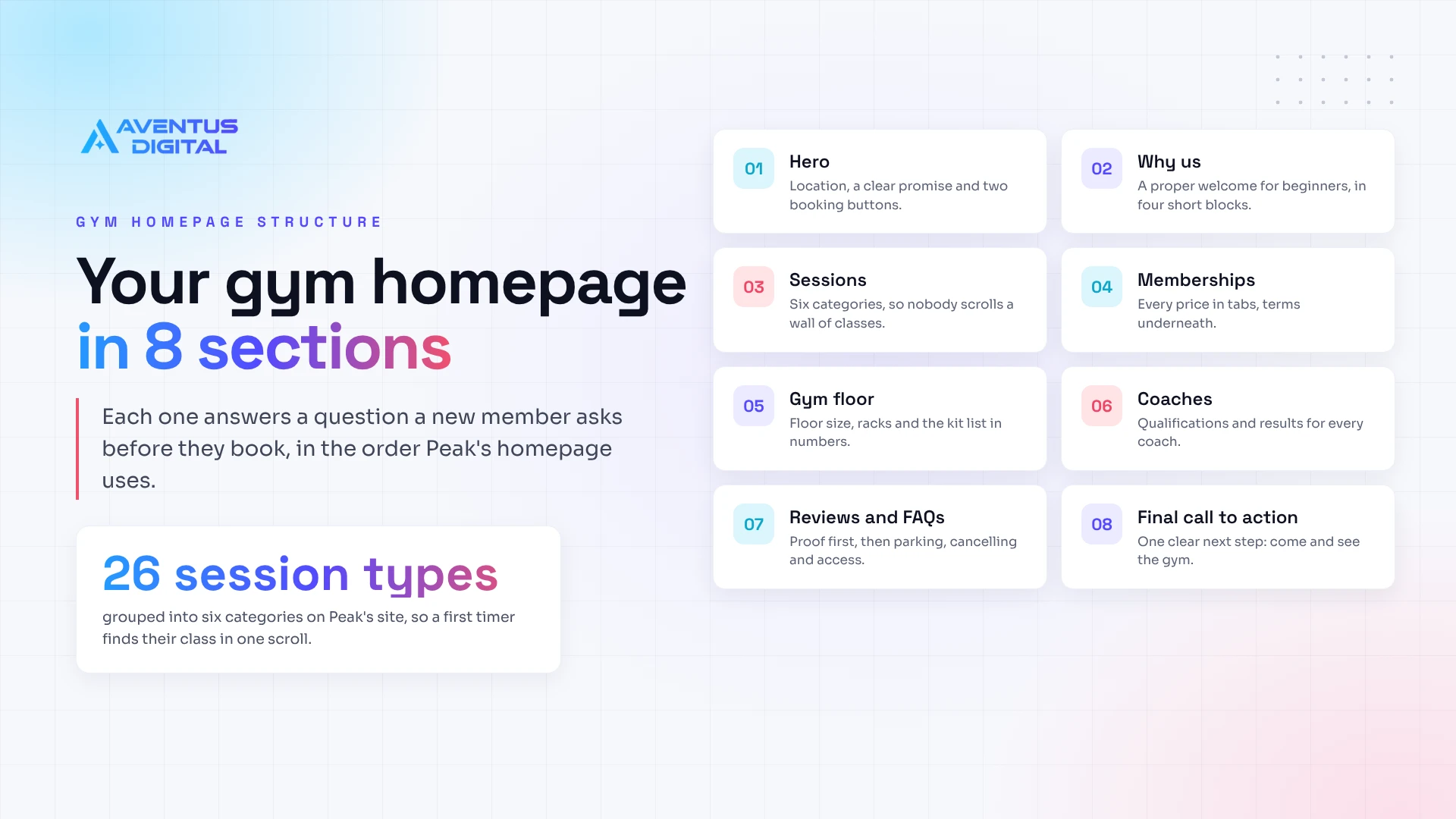
Here is Peak’s homepage from top to bottom. Each section answers a question a new member asks before they book, and the order matters: location and booking first, proof in the middle, practical answers at the end.
| Section | What Peak’s version shows | The question it answers |
|---|---|---|
| Hero | Autoplaying video of the gym, a “Cleator, West Cumbria” tag, the line “Train with coaches who know your name”, two buttons and a stats bar: 30+ weekly sessions, 26 session types, 25+ five star reviews | Is this near me, and what is it like? |
| Why Peak | Four blocks: expert coaching, a proper welcome from day one, progress tracking and booking in thirty seconds | Will I feel out of place as a beginner? |
| Sessions | Six training categories (Hybrid, Mobility, Strength, Conditioning, Muscle Building, Athletic Performance) covering 26 rotating session types | Do they run the training I want? |
| Memberships | Tabs for Monthly, Flexible, Nutrition and Performance, with every price shown and the terms underneath | What will it cost me each month? |
| Gym floor | A 15m by 10m floor, four squat racks, a 12.5m sled track and the full kit list | Is there enough kit for a busy class? |
| Coaches | Five qualified coaches, including three HYROX World Championships athletes and an England international | Who will actually coach me? |
| Reviews and FAQs | Five star rating and member reviews, then answers on fitness level, parking, booking, cancelling and fob access | Can I trust them, and what is the catch? |
| Final call to action | “Come and see your new gym in Cumbria” with booking and membership buttons | What do I do next? |
| Taken from the live homepage at peakhealthperformance.co.uk, November 2026. A nutrition block and a photo gallery sit between these sections. | ||
Notice the location sits in the headings, not only the footer: “A welcoming gym in West Cumbria” and “Take a look inside our Cumbria gym”. That is deliberate, and it matters again in the local SEO section below.
On every website design project we plan this order before anything is drawn. We look at the three or four gyms your members could pick instead, note what they hide (usually prices and coach credentials), and make those the things your homepage shows first. For Peak, that local competitor check was done before the first mockup call.
Should a gym show membership prices online?
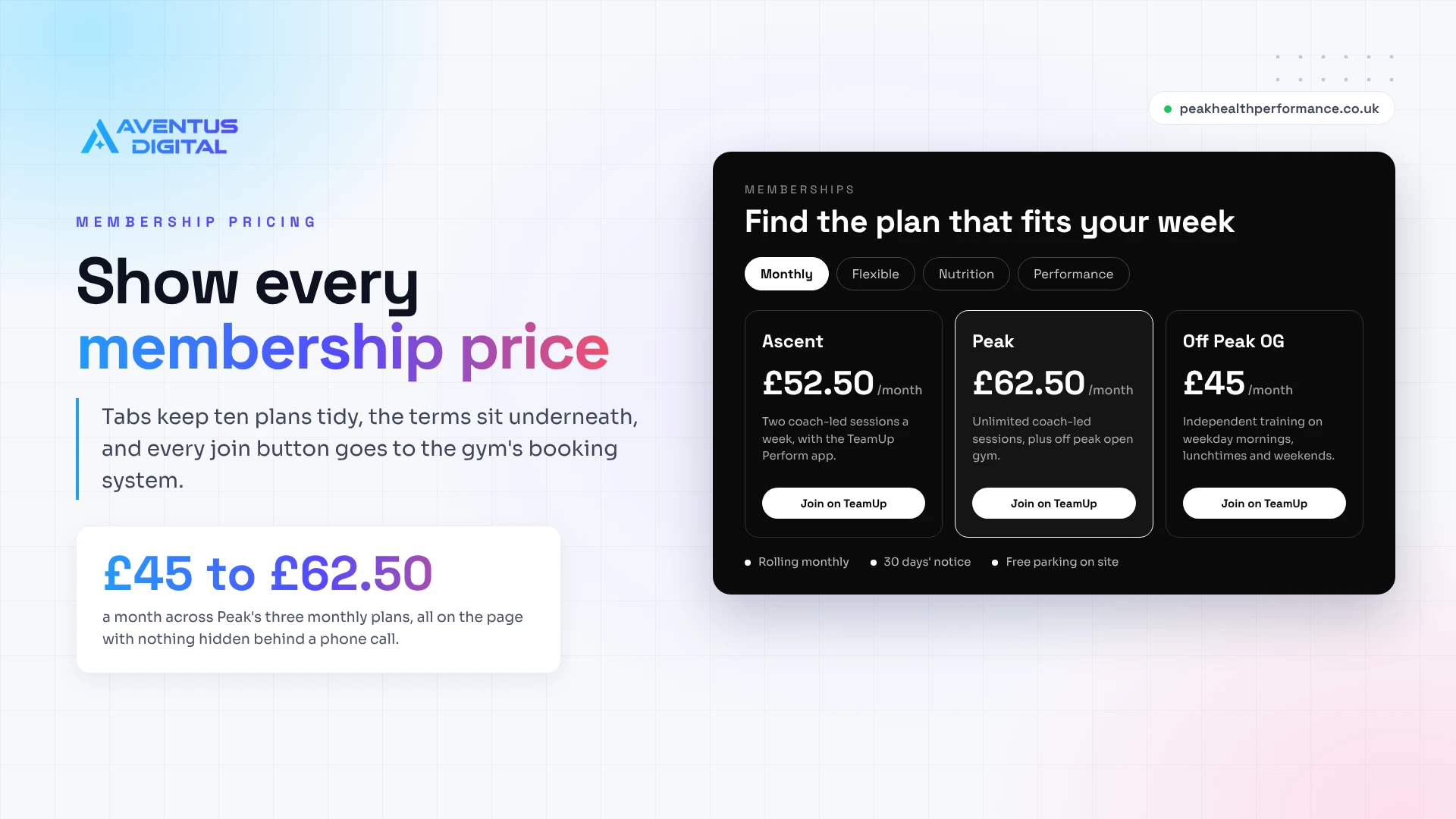
Yes, every time. On a fitness website, “contact us for prices” reads as expensive to most people, and the ones who do message you have already half decided to go elsewhere. Peak shows the lot: Ascent at £52.50 a month for two coach-led sessions a week, the Peak plan at £62.50 for unlimited sessions plus off peak open gym, and Off Peak OG at £45 for independent training.
Published prices also answer the awkward questions for you. The Flexible tab carries a £12 taster session, a 10 session package at £100 that lasts three months (written with shift workers in mind) and a £9 open gym drop in. Underneath sit the terms people worry about: rolling monthly, 30 days’ notice to cancel, free parking on site.
We built those as tabs so a gym with ten plans does not end up with a wall of price cards. Every join button goes straight to TeamUp, so payment happens in the system the gym already runs, which brings us to booking.
How do you add class booking to your gym website?
Connect it, do not rebuild it. Most gyms already pay for booking software such as TeamUp, Glofox or Mindbody, which handles the timetable, payments and the member app. Recreating that inside WordPress costs more and leaves you with two timetables to keep in step.
At Peak, TeamUp runs the live timetable, bookings, memberships and the Perform app. The website’s job is to get people there in one tap: a “Book a session” button in the header of every page, a booking button after each major section, and a “Book it in thirty seconds” block that tells a nervous first timer how easy it is.
What we would not do is embed a full booking widget on the homepage. Third party widgets are heavy, they look different from the rest of the site on a phone, and they slow down the page that makes your first impression. Google’s Core Web Vitals guidance wants the main content of a page on screen within 2.5 seconds, and a clean button to the booking page keeps you well inside that.
Proof that gets people through the door
People join a gym for the coaches, so put them on your gym’s homepage with real credentials. Peak’s coach cards list Level 3 personal training, a Level 5 advanced nutrition science qualification, HYROX World Championships podium finishes and an England rugby league cap. That does far more than a line about “our friendly team”.
The gym floor section does the same job for equipment. A beginner wants to know they will not queue for a rack, and an experienced lifter wants to see that the dumbbells go up to 35kg. Numbers settle both. Free on-site parking gets its own line too, because in a town like Cleator it decides whether someone comes in after work.
Photos are where most gym sites fall down. Peak were moving premises, so the plan from the start was a shoot at the new unit, with layouts built to take the new photos and video without a redesign. Stock images of models on treadmills tell a local visitor nothing about your floor, so if you have to wait for a shoot, your own phone footage is still the better choice.
How gyms get found in local search
Nobody searches for a gym by name until they already know it. They type “gym in Cleator” or “HYROX training Cumbria”. That is why Peak’s headings carry the place name, and why the full address (Unit A1, The Flax Works, Cleator, CA23 3FA) sits in the footer of every page with a link to Google Maps.
Behind every gym website we build, we add LocalBusiness structured data, a small block of code that tells Google your name, address, opening hours and type of business, and we match it exactly to your Google Business Profile. Separate session pages give you more to rank with, because a page about HYROX conditioning can win searches your homepage never will.
If you already have a site and are not sure where it stands, our free website audit checks local SEO, speed and AI search visibility and sends the results within 48 hours, ranked by what to fix first.
How much does a gym website cost in the UK?
These are our current website design prices, with the kind of gym each plan suits.
| Plan | Price | Best for a gym that |
|---|---|---|
| Basic | £299 | Needs one landing page for a launch, a new class or a single offer, live in two weeks |
| Standard | £499 | Runs one location with a booking link and wants up to 10 pages, full on-page SEO and a blog |
| Flagship | From £1,499 | Wants a page per session type, coach profiles, lead capture with CRM integration and up to 30 pages |
| Maintenance | From £49 a month | Wants updates, backups, uptime monitoring and small content changes handled |
| Prices from our pricing page, November 2026. Final fees are confirmed in a written proposal. | ||
Peak’s 19 page site sat between Standard and Flagship. Most of the cost in gym website design is design time on the pages people decide on, so we gave the homepage, sessions and memberships the full design treatment and used simpler layouts on the inner pages to keep the cost down. For comparison, a typical UK agency quotes £3,000 to £6,000 for a five page site, which we break down in how much a website costs in the UK.
Budget separately for hosting and a one-off theme licence. We have the client buy the licence in their own name, so the gym owns both the licence and the site from day one, and ongoing website maintenance is optional rather than a lock-in.
How long does it take to build a gym website?
Peak’s project ran in this order, and it is the same process we use for every gym.
- Enquiry and first call. We find out where you are, what you have now and which booking system you use. Peak’s enquiry came through our contact form in September
- Competitor check and free homepage mockup. We look at the gyms near you and design your homepage within 72 hours, before any payment
- Mockup preview call. We walk you through it and make design changes until you are happy. Peak’s call was at the end of September
- Sitemap and proposal. Every page agreed in writing. Peak’s sitemap came to 19 pages
- Build. 14 days for Peak, on a 50% deposit
- Review at 90%. You check the layout on your own phone and send feedback before the final payment
- Launch and support. 14 days of free support after go live
The build is rarely the slow part. Content is: coach bios, price lists, session descriptions and photos. Send those early and two to three weeks from yes to live is realistic.
Do you need a website if your gym is on Instagram?
Peak ran on social media alone before this build, and plenty of good gyms do. The trouble is what Instagram cannot hold: a price table, a timetable link that is always current, an FAQ, or a page that ranks for “gym near me”. Keep the socials and let the website for your gym do the jobs they cannot. Peak’s FAQ still sends people to Instagram for a quick message, and its reviews link through to Facebook.
Mistakes we see on gym websites
- The timetable is a picture. A JPEG or PDF timetable is hard to read on a phone and out of date by next month. Link to the live one in your booking system
- The book button lives in the footer. Put it in the header and after every major section, as Peak does
- Coaches have first names and nothing else. Qualifications, specialisms and results are what make someone book with a person
- Nothing speaks to beginners. Peak’s first FAQ is “Do I need to be fit before I start?” for good reason
- No parking or access details. One line saves you a dozen messages a month
If your current site has these problems, a website redesign usually fixes them without starting from nothing. And if money is tight, spend it where Peak did: the homepage, memberships and sessions are where people decide, and nobody chooses a gym because of its privacy policy page.
What every Aventus gym site includes
- A free homepage mockup within 72 hours, with design changes until you are happy
- WordPress and Flatsome, with the licence and the site in your name
- Booking buttons wired to your existing system, whether that is TeamUp, Glofox, Mindbody or similar
- Membership pricing tabs, session pages, coach profiles and an FAQ
- Local SEO, LocalBusiness schema, and GEO and AEO from day one
- Merch or gift voucher sales through an ecommerce shop if you want one
- Free post-launch support, then optional maintenance from £49 a month
Free gym homepage mockup
See your gym’s new homepage before you pay a thing
Send us your gym’s name, town and booking link. Within 72 hours you get a homepage mockup built around your sessions, prices and coaches. Already have a site? Ask for a free website audit instead and get the results within 48 hours.
No payment and no obligation. Design changes until you are happy.
A gym website that works is mostly about removing doubt: where you are, what it costs, who will coach you and how to book. Get those four right and the design has something solid to show off. If your current site is the problem, start with the free website audit. Starting from nothing, ask for the free 72 hour homepage mockup.
You Might Also Like
- Gym and fitness website portfolio: studios, gyms and fitness brands we have built for.
- How much does a website cost in the UK in 2026?: typical UK agency prices against ours.
- WordPress vs Wix and Squarespace: which platform suits a UK small business.
- 5 signs your website is costing you customers: the quick checks before a redesign.
- Why is my website not showing on Google?: the common causes and the fixes.
- Best peptide websites in 2026

Author
Zubayed Feroz
Founder of Aventus Digital. 7 plus years building WordPress and WooCommerce websites, 700 plus websites across 40 plus countries, Top Rated on Fiverr.
General website guidance. Our prices are taken from our pricing page in November 2026 and are indicative, with final fees confirmed in a written proposal. Peak Health and Performance details, including membership prices and sessions, come from their live website at the time of writing and may change.
Published 11 November 2026. Last updated 11 November 2026.
Frequently Asked Questions
What should a gym website include?
At minimum: your location, session types, membership prices, a booking button on every page, coach profiles, reviews and an FAQ covering parking and cancellation. Peak Health and Performance’s homepage runs in roughly that order, with a booking button after each major section.
How much does a gym website cost in the UK?
A single landing page starts at £299 and a site of up to 10 pages is £499 on our Standard plan, with larger builds from £1,499. Many UK agencies quote £3,000 to £6,000 for a five page site. Hosting and a one-off theme licence are extra, and we set the licence up in your name so you own the site.
Can my gym website connect to TeamUp, Glofox or Mindbody?
Yes. We link the booking buttons to your existing software, so the timetable, payments and member app stay in one place. Peak’s site sends every booking button to TeamUp, and a header button keeps booking one tap away from any page.
How long does a gym website take to build?
Peak’s build took 14 days once the sitemap and content were agreed. From first call to launch, two to four weeks is typical. The usual delay is waiting on photos, coach bios and prices rather than the build itself.
Should I use WordPress or Wix for a gym website?
We build on WordPress because you own the site, can move host whenever you like, and get full control over session pages, local SEO and schema. Wix and Squarespace are quicker to start but harder to grow and to move away from. Our WordPress vs Wix guide compares them for UK small businesses.
Do I need a website if my gym is on Instagram?
Instagram is good for showing what training with you feels like, but it cannot rank for searches like gym near me, hold a price table or keep a live timetable link. Keep your socials and use the website for prices, booking and answers to common questions.
Related Blogs
Peptide social media marketing: what each platform allows in 2026
Peptide social media marketing in 2026: what Meta and TikTok allow, what to post without [...]
Nov
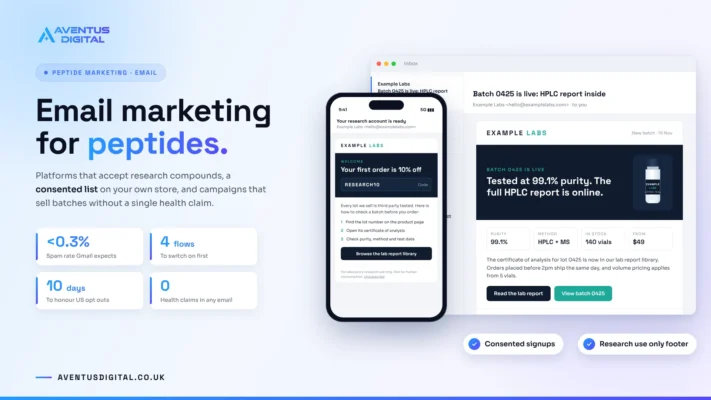
Email marketing for peptides: how research stores build a list that lasts
Email marketing for peptides: which platforms allow research compounds, how to build a consented list, [...]
Nov
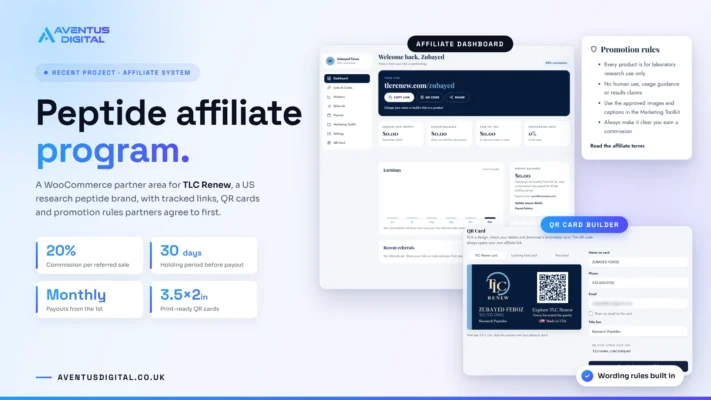
Peptide affiliate program: how to set one up without losing control
How to run a peptide affiliate program on WooCommerce: software, commission and cookie settings, wording [...]
Nov
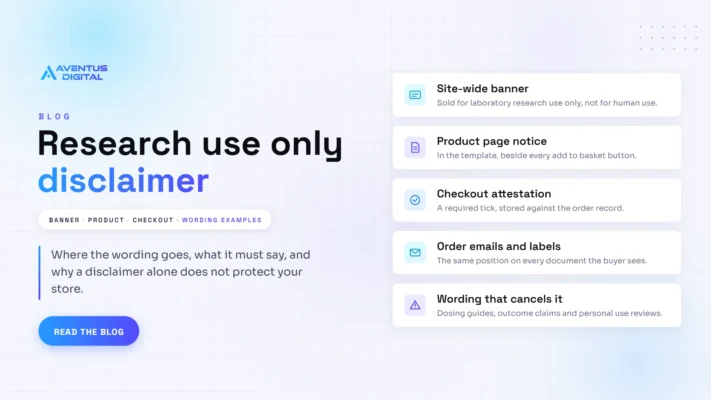
Research use only disclaimer: wording examples for peptide stores
A research use only disclaimer tells buyers a product is sold for laboratory research and [...]
Nov

Selling research peptides internationally: rules by country
Research peptide rules are set country by country, and in 2026 regulators in the US, [...]
Nov
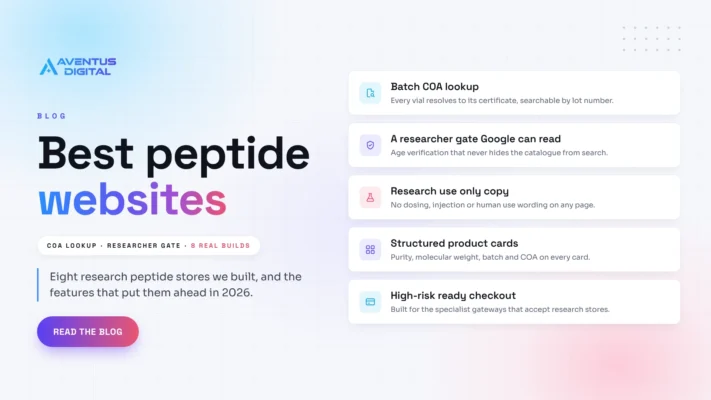
Best peptide websites in 2026
The best peptide websites in 2026 make purity something a researcher can check rather than [...]
Nov
Gym website guide: what yours needs, from a real 2026 build
What a gym website needs in 2026, from prices and class booking to coaches and [...]
Nov
Is your peptide website compliant?
Peptide compliance means every part of a research peptide store, from product titles and vial [...]
Nov